

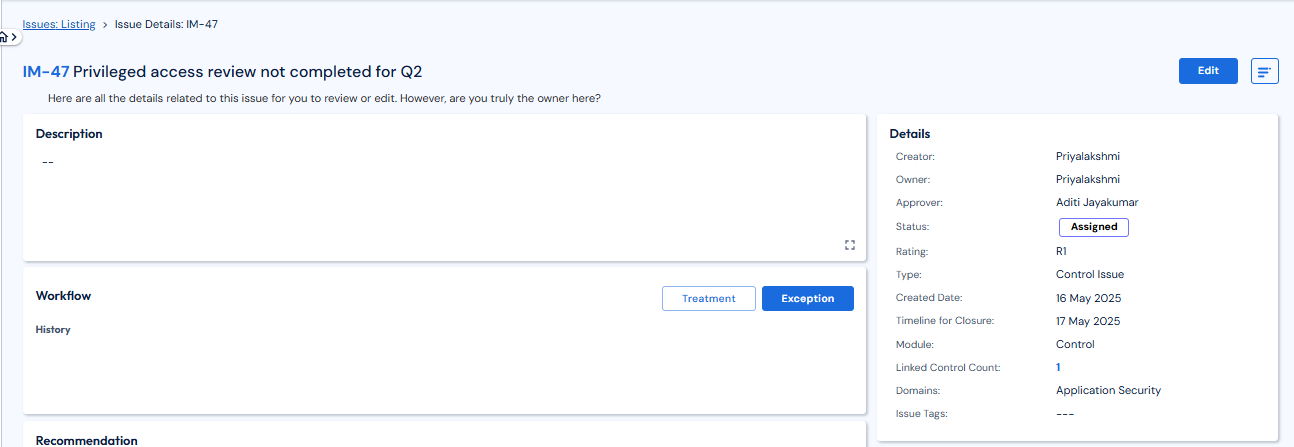
After navigating to the respective issue where the user is the owner, you can see the issue details page.
-
Click on Treatment if you want to treat the issue and upload proof for the same. This issue gets to “submitted for review” status and goes for approval.
-
If you need to ask for an Exception for the issue for any reason, that can be requested till a particular date by providing appropriate reasons.
-
Once approved, this exception gets added to the count of “Issues with exceptions” on the dashboard.
An issue raised for a control where an exception has been approved will lead to the control being in non-measured status and would not be included in the overall compliance calculation for a very specified amount of time. Post that it will become measurable.